
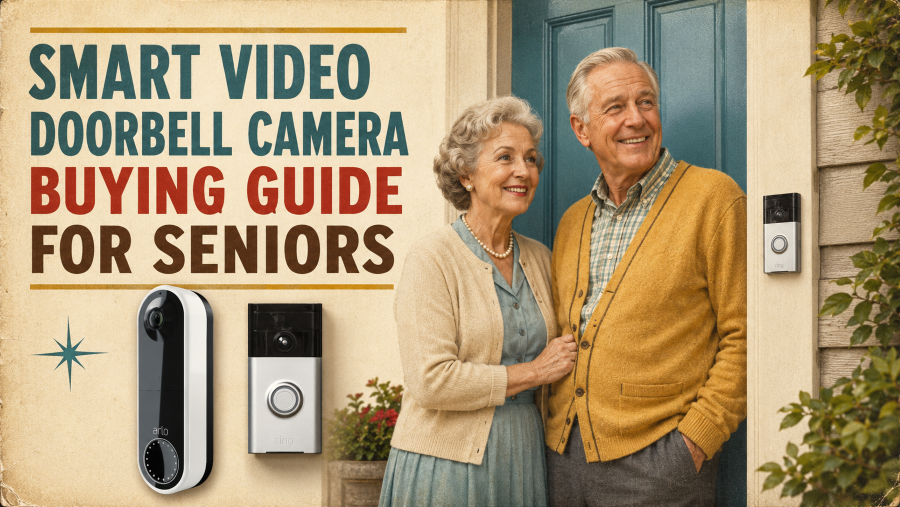

A smart video doorbell lets you see and talk with visitors without opening the door. It also provides alerts when someone is nearby and records activity around your entrance.
For seniors, the ideal model isn’t always the one packed with the most features. It should be simple to hear, see, and operate without complex settings or surprise monthly fees. This guide outlines what to consider before selecting a video doorbell for your home.
Start by setting up your door and existing chime.
Before comparing specific camera features, assess your current entry setup to identify the most suitable installation type.
- Wiring Availability: Check whether you already have low-voltage doorbell wiring. Hardwired models use a constant power supply, while battery-powered versions let you install them flexibly if wiring isn’t available or is damaged.
- Indoor Chime Compatibility: Check if the video doorbell can connect directly to your mechanical or digital chime. If not, you’ll need to plug in a compatible wireless chime to hear the ring throughout the house.
- Doorframe Mounting Space: Measure the flat area on or next to your doorframe. If you have narrow door trim, you might need a slim device or an angled mounting bracket to ensure correct camera placement.
- Wi-Fi Signal Strength: Check if your home Wi-Fi extends to the outside entrance. A weak signal may cause video lag or missed activity alerts.
- Property Regulations: Confirm the landlord’s or property management’s rules on drilling holes, modifying exterior wiring, or mounting devices if you rent.
AARP recommends verifying battery life, subscription fees, and compatibility with traditional chime systems prior to buying to prevent setup issues. If permanent wiring or drilling isn’t feasible, consider a battery-powered device or a dedicated peephole camera as a convenient, non-intrusive alternative.
The power source influences both installation and maintenance.
Wired or Battery-Powered?
- Wired models: Use existing doorbell wiring and require no regular charging. Installation may be more challenging.
- Battery-powered models: Easier to install but require periodic recharging or battery replacements.
- Dual-power models: Can function using either wired connections or a rechargeable battery.
Choose a wired model for uninterrupted power, or a battery model if easy installation and flexible placement are priorities.
Check Your Viewability
Choose a device with camera settings that record essential entry details.
- Daytime Clarity: Ensures faces are clear and recognizable without blur.
- Night Vision: Keeps the entryway visible at night.
- Head-to-Toe View: Provides an elevated vantage point for monitoring visitors and packages on the ground.
- Targeted Viewing Angle: Captures your doorway without encroaching on neighbors’ property.
For more coverage beyond your entryway, check out our guide on the top home security cameras for smart homes.
Ensure Alerts Are Easy to Notice
A video doorbell is effective only if it alerts you promptly. Consider these features:
- Clear Notifications: Phone alerts need to be clear and easy to access.
- Indoor Chime: Rings audibly throughout the house, independent of your phone.
- Adjustable Volume: Loud settings ensure the ring is audible throughout the room.
- Smart-Speaker Announcements: Alexa or Google speakers can broadcast when someone rings.
- Smart-Display Alerts: Pressing the button automatically streams the visitor’s video.
Select an alert style that integrates smoothly with your daily routine.
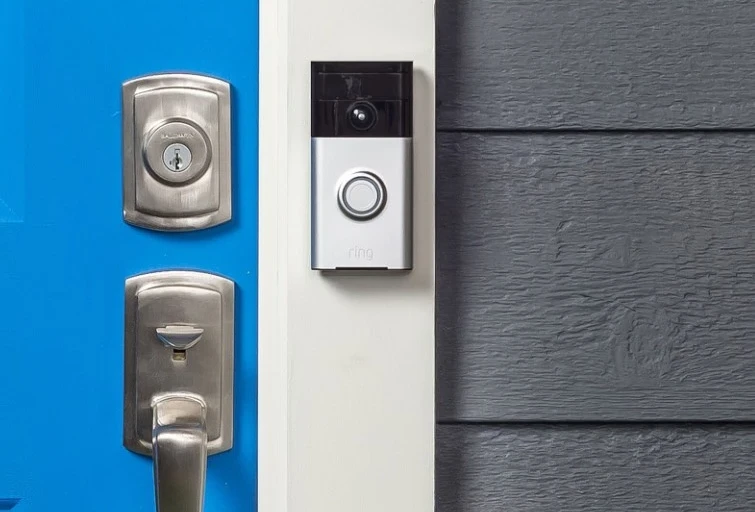
Look for Simple Communication Features
A video doorbell should make it easy to communicate with visitors. Helpful features include:
- Live View: Always check who is outside before opening the door or responding.
- Two-Way Audio: Communicate directly with visitors through the mobile app.
- Quick Replies: Leave a pre-recorded voice message if you can’t answer.
- Clear Sound: Noise-canceling speakers make voices clearer and easier to understand.
- Shared Access: Allow family members or caregivers to monitor alerts and respond to calls.
Helpful Tip: Verify if these features are included in the basic version or require a paid subscription.
Understand Motion Alerts
Video doorbells can alert you before someone presses the button. Typical alert types include:
- General Motion: Responds to any movement detected.
- Person Detection: Identifies people to prevent unnecessary alerts.
- Package Detection: Notifies you when a delivery is left at your door.
- Adjustable Zones: Limit monitoring to designated zones, such as your porch or walkway.
These settings help eliminate alerts from passing cars, animals, or branches moving in the wind.
Helpful Tip: Check if features such as person or package detection need a monthly subscription.
For an option that integrates entry control and video recording, refer to our guide on the best smart locks with cameras for home security
Compare Video Storage and Ongoing Costs
The purchase price might not include all costs. Verify by checking:
- Cloud Storage: Stores recordings online and typically requires a monthly subscription.
- Local Storage: Utilizes a microSD card or hub, eliminating ongoing monthly charges.
- Video History: Specifies the duration for which recordings are retained before deletion.
- Paid Features: Person, package, and advanced alerts usually need a subscription plan.
- Additional Costs: Budget for extra indoor chimes, spare batteries, or professional setup.
Evaluate the total cost over at least a year before selecting a model.
Check Wi-Fi and Smart-Home Compatibility
A stable network connection guarantees seamless video streaming and quick alerts. Consider these factors before making a purchase:
- Wi-Fi Range: Make sure your signal reaches the front door through exterior walls.
- Frequency Band: Most doorbells need 2.4 GHz Wi-Fi for extended range, though some also support 5 GHz.
- App Compatibility: Check whether the app works with your current smartphone or tablet.
- Smart Ecosystem: Make sure it works with your current smart speakers or displays, such as Alexa or Google Assistant.
- Multi-User Sharing: Confirm whether multiple family members can receive alerts at the same time.
A weak Wi-Fi signal can cause delayed alerts, buffering, or missed recordings. If your router is far from your entrance, using a Wi-Fi extender could help.
Check Your Privacy Settings and Account Security
Since a video doorbell captures activity near your doorway, position it correctly and keep your account secure.
- Camera Placement: Adjust the lens to highlight your doorway and walkway, while avoiding nearby windows or private areas.
- Account Security: Secure your account with a strong, unique password and enable two-factor authentication (2FA).
- Access Control: Regularly check and update access permissions for live feeds, shared accounts, and stored clips.
- Data Management: Learn how long your recordings are stored and how to delete them permanently.
- Vendor Support: Select manufacturers with transparent privacy policies and a track record of providing assured long-term security updates.
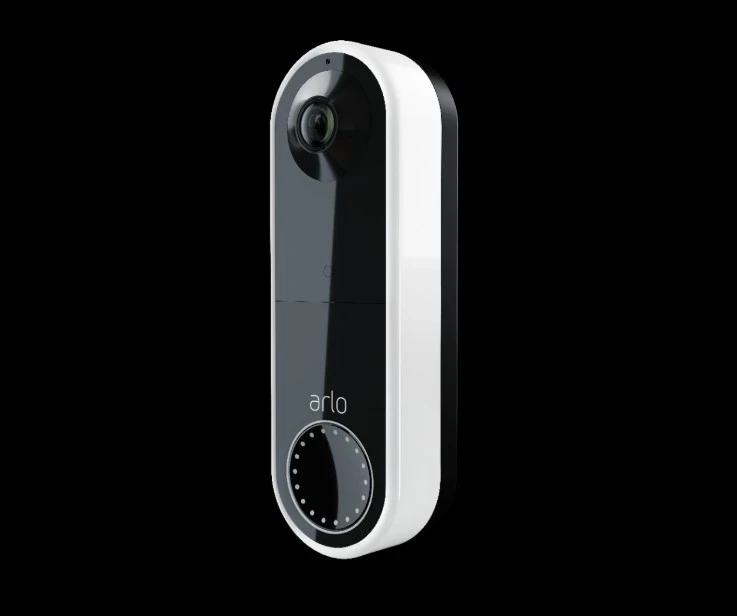
Senior-Friendly Buying Checklist
Before selecting a video doorbell, ensure it provides:
- Simple installation.
- Clear phone notifications.
- A loud or adjustable indoor chime.
- Easy-to-understand live video.
- Clear two-way audio.
- Head-to-toe viewing.
- Reliable night vision.
- Manageable subscription costs.
- Access for a trusted family member.
- Helpful customer support.
Focus on features you use often, not extras you don’t.
Frequently Asked Questions
Can a video doorbell assist older adults who live independently?
Yes. It lets visitors be seen and spoken to without opening the door. Learn more about how smart home technology helps seniors age in place.
Can a video doorbell work without Wi-Fi?
Most devices need Wi-Fi for live streaming, alerts, and remote control.
Do all video doorbells require a subscription?
No. Some offer basic alerts, live viewing, or local storage without monthly fees.
Can a video doorbell activate an existing indoor chime?
Compatibility varies; some models work, but it depends on your doorbell and chime type.
Can multiple people receive alerts?
Many models enable shared access, so trusted household or family members can receive notifications.
Can battery models perform well in cold weather?
Some batteries are affected, but low temperatures can reduce their lifespan. Verify the manufacturer’s specified operating temperature range.
Final Thoughts
The ideal smart video doorbell should match your entrance, wiring, and Wi-Fi setup. Prioritize clear video, visible alerts, and easy controls over many advanced features.
Compare wired and battery-powered models carefully, considering installation, storage, and subscription costs. Make sure the doorbell works with your indoor chime, phone, and existing smart display.
Select a model that is straightforward to manage and offers the essential features you require. Proper placement and secure account settings will improve reliability and privacy.