
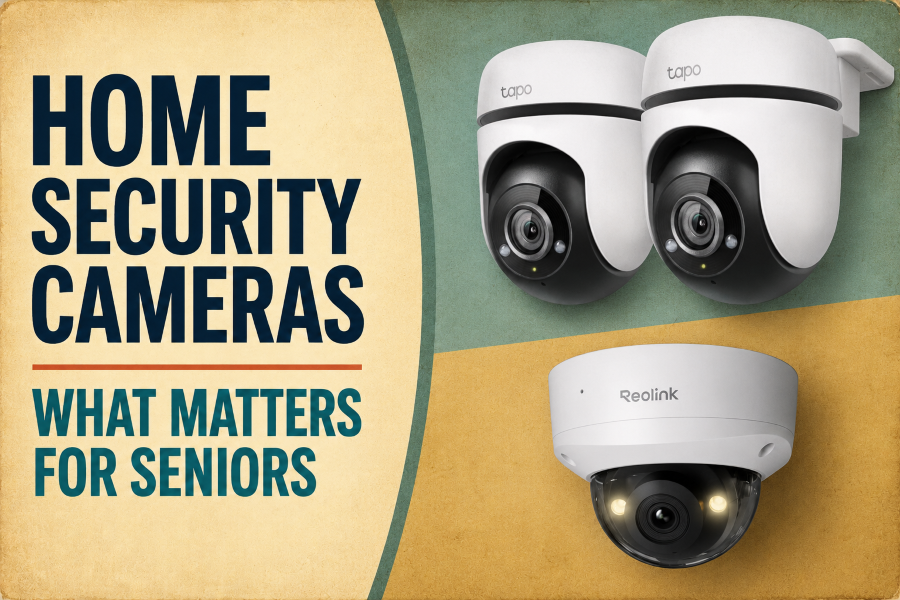
Home security cameras have evolved significantly. Many now identify individuals, record color footage at night, interact with visitors, and send smartphone alerts. These features can be helpful, but they also make selecting and managing a camera challenging.
For older adults, the latest camera isn’t always the most practical choice. Continuous notifications, complex controls, battery maintenance, and surprise subscription costs can quickly turn a helpful device into a source of frustration.
This guide clearly explains the key features of today’s home security cameras. It aims to help older adults and their families understand what each feature does, when it helps, and what to verify before buying.
Identifying the location and purpose of the camera’s use.
Before comparing camera features, determine what you need to monitor to avoid unnecessary equipment expenses and setup complications that don’t address real issues.
- Video doorbell: Ideal for monitoring visitors and deliveries at the main entrance.
- Outdoor camera: Useful for monitoring driveways, gardens, garages, or other entry points.
- Indoor camera: It may be useful in a shared living space, but only if the older adult is informed and consents.
- More than one camera: Use this only if a single device cannot cover all critical areas.
Position the camera to focus on the intended area while avoiding neighboring homes or private spaces. The ICO advises pointing cameras away from other properties and public areas whenever feasible.
Start with the minimal setup that meets your specific needs. Usually, a single well-placed camera is simpler to operate than multiple cameras generating redundant alerts.
How Power Sources and Storage Impact Daily Usage
Power options and video storage affect how easy it is to maintain a security camera over the long term.
Power Supply Options:
- Plug-in power: Connects to a standard wall socket for ongoing power, eliminating the need for battery changes. Installation, however, requires an outlet close to the camera.
- Rechargeable battery: Fits easily in any location without wires. The battery needs recharging every few months, which requires briefly removing the camera.
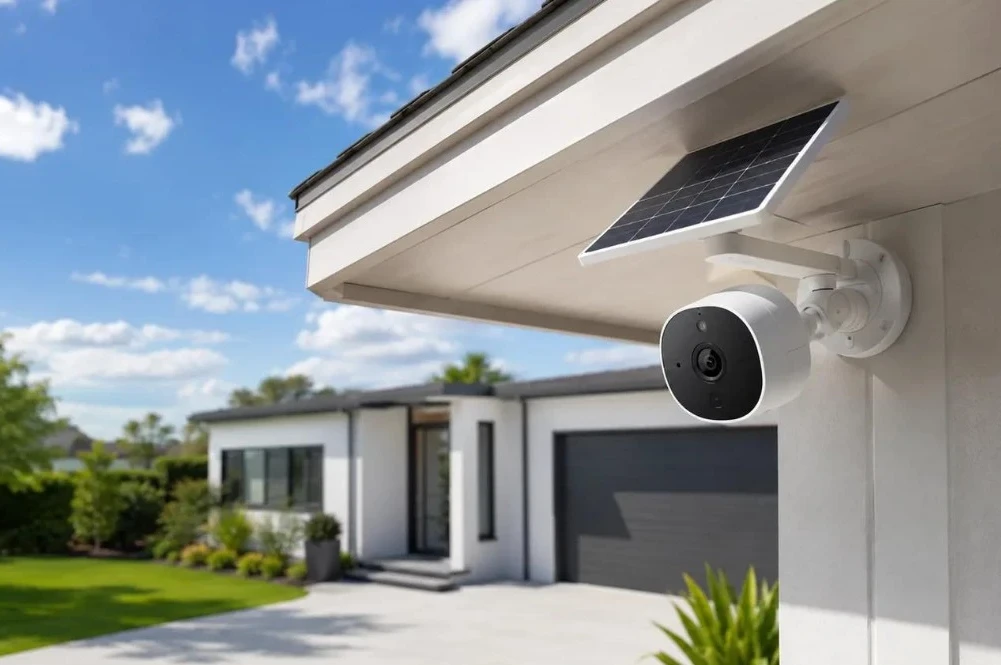
- Solar panel: Connects a small solar panel to a battery-powered camera, automatically recharging the battery with sunlight and reducing the need to climb a ladder.
Video Storage Options:
- Local storage: Stores recordings either on a removable microSD card or a home hub. No monthly fees, but recordings could be lost if the camera is stolen or becomes damaged.
- Cloud storage: Stores video clips online, allowing you to view recordings from anywhere. This service typically requires a monthly subscription fee.
Selecting a plug-in or solar power system with straightforward storage minimizes daily upkeep.
Check out the seven best home security cameras for smart homes to choose your favorites.
Power and Maintenance Options
Select a power source that is simple to maintain safely.
- Plug-in camera: Connects to a wall socket for constant power. Arrange cables neatly to prevent tripping hazards.
- Wired camera: Provides dependable power with little regular upkeep. Professional installation might be necessary.
- Rechargeable battery camera: Easy to install wirelessly. Remember to remove it occasionally to charge it.
- Replaceable-battery camera: Replaces batteries quickly; purchasing new ones incurs ongoing costs.
- Solar-powered camera: Utilizes a small solar panel to automatically power outdoor cameras. Requires direct sunlight and might charge more slowly during winter.
The advertised battery life is an estimate and may be reduced by cold weather, frequent motion alerts, and live video viewing, which drain batteries more quickly.
Mounting cameras high on walls requires ladder safety considerations. An older adult shouldn’t have to climb a ladder often just to recharge or maintain the camera.
What level of video quality is truly necessary?
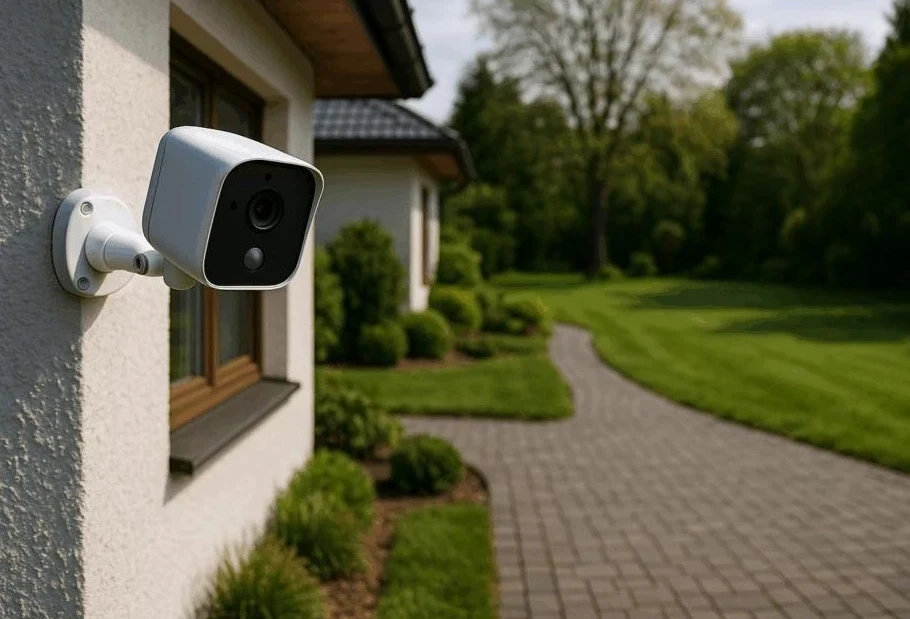
Higher resolution provides a clearer picture but requires more internet bandwidth and storage. For most households, choosing the highest available option is unnecessary.
- 1080p (Full HD): Provides clear visibility of visitors, deliveries, and activity around an entrance. It also consumes minimal internet data and requires less storage space.
- 2K (Quad HD): Offers clearer detail, allowing faces, clothing, or labels on packages to be more easily identified from afar.
- 4K (Ultra HD): Provides a very clear image when zoomed in, but requires a strong internet connection and uses storage space quickly.
Resolution is only one aspect of picture quality; good lighting and proper placement matter just as much.
Also consider the camera’s field of view. A wider angle lets a single camera cover an entire doorway and yard, but objects at the edges may look smaller.
For most older adults monitoring a doorway or small outdoor space, 1080p or 2K provides a practical balance of clarity, affordability, and ease of use.
The five best smart locks with cameras for home security help you choose what suits you best.
Local Storage Versus Cloud Storage
A security camera requires a storage solution for its recordings, with the primary options being local storage or cloud storage.
| Feature | Local Storage. | Cloud Storage. |
| Saved where? | Memory card or home device. | Online servers. |
| Monthly fee | Usually none. | Usually required. |
| Internet needed | Not always for recording. | Required for uploads. |
| Main advantage | More control and lower cost. | Easy remote access and backup |
| Main drawback | Recordings can be lost or stolen. | Ongoing fees and less privacy. |
| Best for | Avoiding subscriptions. | Caregiver access from anywhere. |
Options for Video Storage and Comparison of Free and Subscription Features
Knowing how recordings are stored prevents surprise charges and protects your video data.
Subscription Check Before Buying:
- Free features: Many cameras offer free live streaming and instant push notifications without requiring a subscription.
- Paid features: Person detection, cloud video history, and clip downloads typically need a monthly subscription. Always check which features are available for free.
Account Security:
- Enable two-factor authentication (2FA) to secure your camera’s cloud account whenever possible.
- Two-factor authentication adds an extra layer of security by requiring a secondary code sent to your phone or app, in addition to your password, to prevent unauthorized access to your cameras.
Choosing the Right Storage Type:
- Local storage: The camera or home hub station uses a removable micro-SD card. It has no monthly fees, making it ideal for budget-conscious users.
- Cloud storage: Stores recorded video clips securely online, enabling remote viewing from any location, though it typically involves a monthly fee.
A camera that supports local SD card storage and optional cloud backup provides maximum flexibility and enhanced long-term security.
Privacy and Security Checks
Security cameras help safeguard property, but they also collect personal data. To keep your device secure and your privacy protected, follow these safety tips.
Account Security:
- Create a unique password: Avoid reusing passwords across email, banking, or other sensitive accounts.
- Turn on two-factor authentication (2FA): 2FA emails a verification code to your phone when you log in, preventing unauthorized access to your account.
- Install app and camera updates: Updates fix security vulnerabilities and ensure your camera works smoothly.
- Review account permissions: Revoke access for family members or caregivers no longer authorized to view your live feeds.
Camera Placement and Privacy:
- Check audio recording rules: Audio recording laws differ by region and typically require consent. Disable audio if you don’t need it.
- Keep lenses focused on your property: Adjust the cameras’ angles to avoid facing your neighbors’ windows, gardens, or doors.
- Avoid private spaces: Do not install indoor cameras in bedrooms, bathrooms, or any spaces where guests expect privacy.
- Respect dignity: Always tell the older adult why the camera is installed, what it records, and who can access the video feed.
Features That Might Not Justify Additional Cost
Advanced camera features may increase costs and complexity but don’t necessarily enhance daily security. Think about omitting these options.
- Facial Recognition: Attempts to identify individuals by name. Typically, standard person detection is sufficient to notify you when someone comes nearby.
- Automatic Tracking: Pans and tilts the lens to track movement. Not needed for fixed areas such as front doors or small patios.
- 24/7 Continuous Recording: Automatically saves video footage. Event-based recording, which captures only motion, reduces data usage and ensures all important visits are recorded.
- Detailed AI Summaries: Provides written descriptions of events, which are often inaccurate and typically only accessible through costly subscription plans.
- Complex Smart-Home Routines: Connect cameras to lights or smart locks, introducing complex settings that offer no clear safety advantage.
- Built-in Sirens & Strobe Lights: Can deter intruders, but false alarms may startle seniors and upset neighbors.
Helpful Tip: Pay extra only for features that solve a real problem and remain simple to use.
You may also want to read our guide to the seven best digital binoculars for wildlife watching.
What occurs when the internet or electricity fails?
During outages, security cameras may lose certain key features. What remains operational depends on your camera’s power source and storage configuration.
If the Internet Fails:
- Remote viewing stops: You cannot view live feeds or use two-way talk from outside the home.
- Notifications pause: Smartphone alerts and cloud video uploads cease entirely.
- Local recording may continue: Cameras that save footage to a local microSD card or home hub typically record motion events continuously.
- Delayed sync: Some models automatically upload locally stored footage to the cloud when Wi-Fi reconnects.
If the Power Fails:
- Plug-in and wired cameras shut down: They only operate when connected to an uninterruptible power supply (UPS).
- Battery and solar cameras stay on: The camera’s internal batteries supply power, assuming the solar models are sufficiently charged.
- Wi-Fi routers turn off:
Remote alerts and cloud saving fail even if the camera still has battery power unless you use a battery-backed router.
Check whether a camera supports offline local recording prior to purchasing. If continuous protection matters, consider installing a battery backup for your Wi-Fi router.
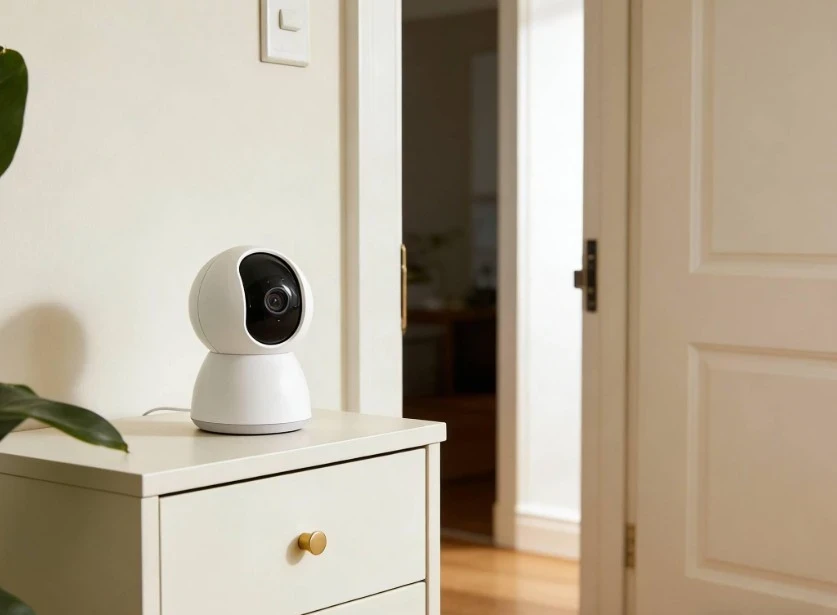
Questions to Consider Before Purchasing a Home Security Camera
Use these questions to assess models without feeling overwhelmed by marketing lists.
- Placement and Purpose: Which specific area requires coverage, and is a video doorbell, outdoor camera, or indoor model more suitable?
- Connection and Power: Is Wi-Fi stable at this location, and is the camera easy to power and access safely without frequent ladder climbs?
- Alert Quality: Are notifications clear and customizable, and does the camera accurately distinguish human figures from background movement, such as animals or trees?
- Outages and Storage: Can the camera record locally when Wi-Fi drops? Is a microSD card storage option available? Also, which features need a paid subscription?
- Privacy and Shared Access: Is it easy to physically pause or cover the recording, and can family members access their own secure accounts?
- Long-Term Support: Does the manufacturer offer phone support, and what is its policy on the duration of software security updates?
Check out our specialized technology-buying checklist for seniors to compare accessibility features, customer support, and overall long-term expenses before making your final decision.
Final Thoughts
The ideal home security camera for an older adult isn’t necessarily the most feature-rich. Instead, it should cover the appropriate area, provide clear, easy-to-understand alerts, and be simple to maintain without causing frustration.
Before purchasing, consider how the camera is powered, where it stores recordings, and which features require a monthly subscription. Make sure privacy controls and secure, shared family access are easy to set up and manage.
A straightforward, reliable camera that an older adult feels comfortable using offers far more value than a complex system with features they won’t use. Prioritizing usability over technical specifications guarantees genuine safety, independence, and peace of mind.