
Staying safe online is more crucial than ever, especially for seniors. Online threats such as scam emails, fake websites, and identity theft are becoming increasingly sophisticated and harder to spot.
Trustworthy antivirus programs can safeguard you without requiring technical expertise. They run silently in the background to prevent viruses, alert you to suspicious activity, and protect your personal information.
This guide highlights the top antivirus software for seniors, focusing on simplicity, robust protection, and ease of use. Whether you seek basic security or a comprehensive package, these options are designed to ensure safe, confident internet browsing.
Quick Picks: Top Antivirus for Seniors.
We highlighted these top options for their simplicity, protection, and value to help you make quick decisions.
- Best Overall: Norton 360 for all-in-one protection with antivirus, VPN, and identity monitoring in one simple dashboard.
- Best for Strong Protection: Bitdefender for excellent detection rates with minimal impact on older computers.
- Best for Beginners: McAfee for easy setup and a clear interface, ideal for first-time users.
- Best Free Option: Avast Free Antivirus for reliable basic protection at no cost.
- Best Budget Option: TotalAV offers affordable plans with essential features and simple controls.
These selections provide a quick overview, but below you’ll find in-depth reviews to help you select the one that best suits your needs.
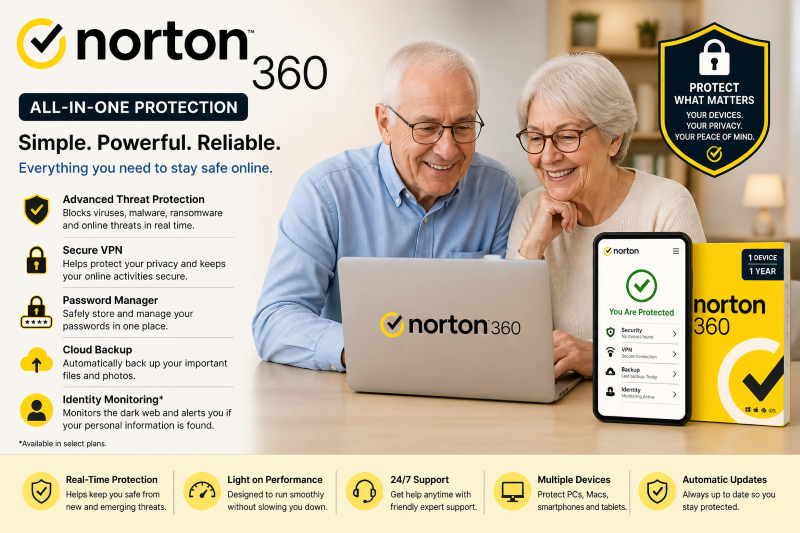
Norton 360 – Best Overall Antivirus for Seniors.
Norton 360 is among the simplest and most comprehensive antivirus options for seniors, offering robust virus protection and useful features such as a VPN, password manager, and identity monitoring, all accessible through a straightforward interface. It remains the top overall choice for those seeking peace of mind without hassle.
The Federal Trade Commission reports that older adults are increasingly targeted by online scams and identity theft, underscoring the need for comprehensive protection in everyday internet use.
Key Features.
- Real-time protection against viruses, malware, and ransomware.
- Built-in VPN for secure and private browsing.
- A password manager to safely store login details.
- Cloud backup to protect important files and photos.
- Dark web monitoring (on higher plans) to detect data leaks.
- Works on Windows, Mac, Android, and iOS.
Pros and Cons.
Pros:
- Very easy to use, even for beginners.
- All-in-one protection without needing multiple tools.
- Strong reputation and high detection rates.
- Automatic updates and background protection.
Cons:
- Higher renewal prices after the first year.
- Some features may not be used by all seniors.
Pricing.
Norton 360 plans usually begin at approximately $29.99 per year for the first year and can increase to $99.99 annually, depending on features such as VPN, cloud backup, and identity protection.
Why It’s Good for Seniors?
Norton 360 consolidates all security features into a single platform, eliminating the need for multiple programs. The software offers clear alerts and automatic protection, making it a straightforward and dependable choice for seniors seeking a simple, hassle-free solution.
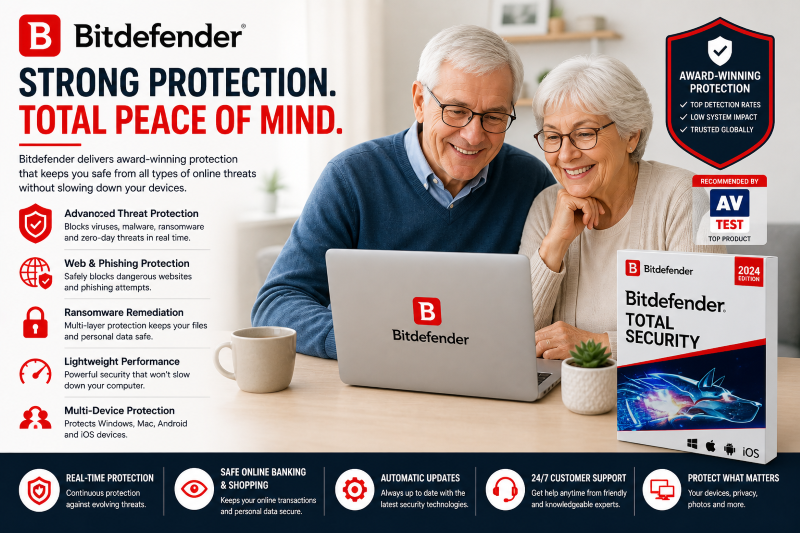
Bitdefender – Best for Strong Protection.
Bitdefender is well-known for its high virus detection rates and robust protection against sophisticated threats such as ransomware and phishing. It is an excellent option for seniors seeking maximum security without compromising their computer’s performance.
Independent testing organizations such as AV-Test consistently rank Bitdefender highly in malware detection and performance, establishing it as one of the most dependable antivirus options.
Key Features.
- Real-time protection against viruses, malware, and ransomware.
- Advanced phishing protection to block fake websites.
- Multi-layer ransomware defense to protect personal files.
- Lightweight performance runs smoothly on older devices.
- running.
- Secure browsing tools and privacy protection.
- Works on Windows, Mac, Android, and iOS.
Pros and Cons.
Pros:
- Top-tier protection with excellent detection rates.
- Very light on system resources, ideal for older computers
- Automatic protection with minimal user input.
- Affordable compared to similar high-end antivirus tools.
Cons:
- The interface might seem somewhat technical initially.
- Certain advanced features are available only with higher-tier plans.
Pricing.
Bitdefender subscription prices generally range from $39.99 to $89.99 annually, depending on the number of devices and selected features.
Why It’s Good for Seniors?
Bitdefender runs silently in the background with minimal impact on system performance, making it ideal for seniors with older or slower computers.
It requires minimal user interaction yet provides comprehensive protection against current threats once installed.
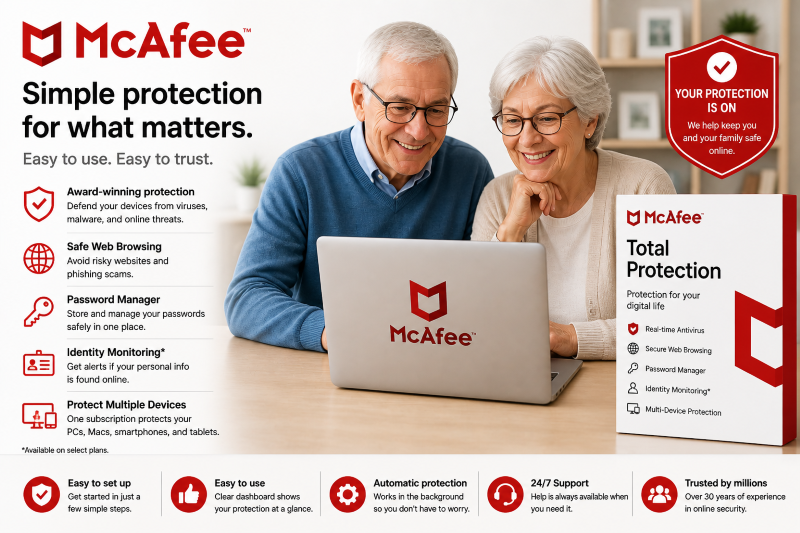
McAfee – Best Antivirus for Beginners.
McAfee is an excellent option for seniors seeking simple, clear protection without complexity. It features an intuitive interface, step-by-step setup guidance, and automatic safeguards, making it perfect for those new to antivirus software.
AV-Comparatives reports that McAfee consistently excels in real-world protection tests by effectively blocking malware, phishing attacks, and unsafe downloads.
Key Features.
- Real-time protection against viruses, malware, and spyware.
- Web protection to block unsafe and phishing websites.
- Built-in password manager for easy login management.
- Identity monitoring on higher plans.
- Multi-device coverage on PC, Mac, smartphone, and tablet.
- Simple dashboard with clear security status
Pros and Cons.
Pros:
- Very easy to install and use.
- Beginner-friendly interface with clear alerts.
- Protects multiple devices with one subscription.
- Good balance between protection and usability.
Cons:
- Can slow down older computers slightly.
- Some features are only available in higher-tier plans.
Pricing.
McAfee’s pricing typically varies from $39.99 to $99.99 annually, depending on the number of devices and features included.
Why It’s Good for Seniors?
McAfee operates automatically and provides clear, easy-to-understand alerts, ensuring users are aware that their device is protected without needing to manage complex settings.
You can also check out our guide on the top home security cameras for smart homes to safeguard your property. Online and offline security are closely connected, especially since seniors are increasingly vulnerable to scams and fraud.
Avast Free Antivirus – Best Free Antivirus for Seniors.
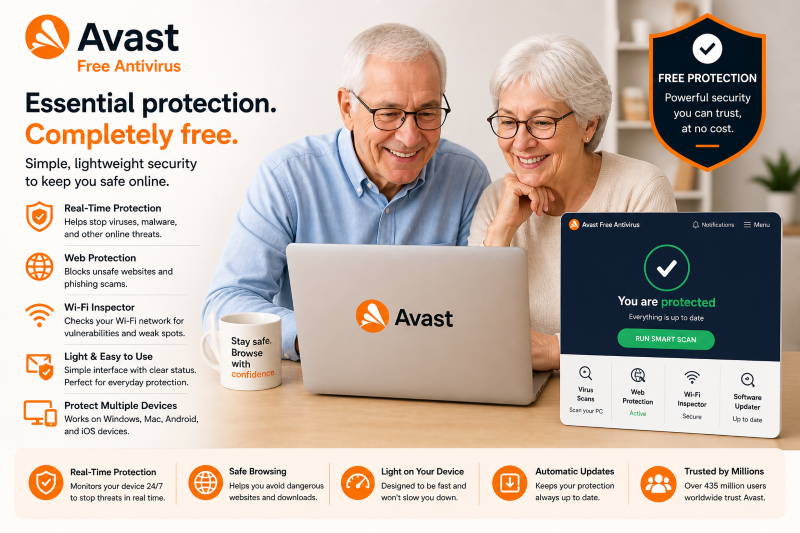
Avast Free Antivirus is an excellent option for seniors seeking essential protection without any cost. It provides fundamental security features such as virus detection and web safeguarding, serving as a reliable foundation for safer internet use.
AV-Comparatives reports that Avast provides strong malware protection, maintaining reliable defenses even in its free edition.
Key Features.
- Real-time protection against viruses and malware.
- Web protection to block unsafe and phishing websites.
- Wi-Fi security scan to detect network vulnerabilities.
- Simple interface with clear security status.
- Works on Windows, Mac, Android, and iOS.
Pros and Cons.
Pros:
- Completely free for basic protection.
- Easy to install and use.
- Lightweight and suitable for older devices.
- Good protection for everyday browsing.
Cons:
- Shows advertisements promoting upgrades.
- Does not include advanced features such as VPN and identity protection.
- Certain features require a paid plan to access.
Pricing.
- Free version available.
- Paid plans typically cost between $30 and $99 annually, based on included features.
Why It’s Good for Seniors?
Avast offers basic protection without complexity, making it ideal for light internet activities such as email, browsing, and online shopping, and perfect for seniors seeking an easy, free option.
You can also check out our guide to the best emergency alert devices for seniors to stay safe in real-world scenarios. Combining online security with personal safety tools provides comprehensive peace of mind.
TotalAV – Best Budget Antivirus for Seniors.
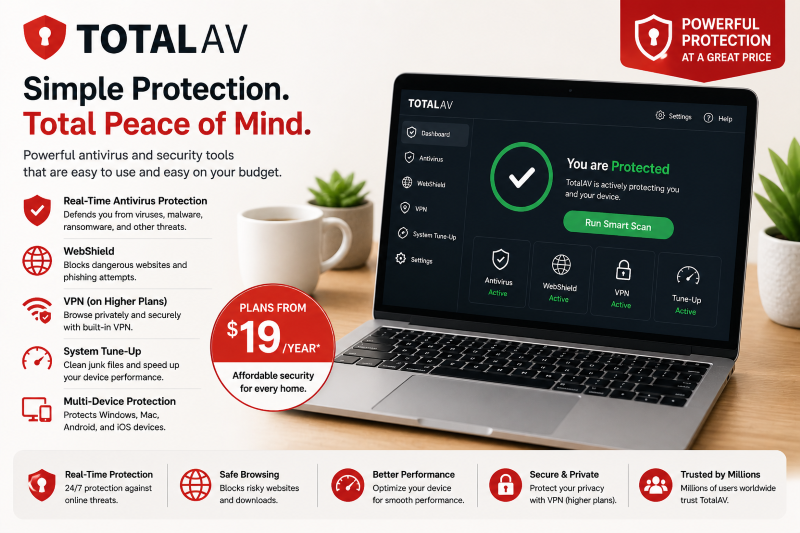
TotalAV integrates antivirus, web security, and system tools into an easy-to-use interface, perfect for daily use without high costs.
Independent testing groups such as AV-Test have demonstrated that TotalAV offers reliable malware detection and real-time protection, making it particularly suitable for basic home use.
Key Features.
- Provides real-time protection from viruses, malware, and ransomware.
- WebShield blocks unsafe websites and phishing attempts.
- Built-in VPN on higher-tier plans for private browsing.
- Tools for system tuning to enhance performance on older devices.
- User-friendly dashboard featuring straightforward controls.
- Compatible with Windows, Mac, Android, and iOS.
Pros and Cons.
Pros:
- Very affordable first-year pricing.
- Simple and beginner-friendly interface.
- Includes performance optimization tools.
- Good all-in-one value for basic needs.
Cons:
- Higher renewal prices after the first year.
- Some features require premium plans.
- Less powerful than leading antivirus programs such as Norton or Bitdefender.
Pricing.
TotalAV’s plans generally start at about $19 for the first year, with renewal costs ranging from $99 to $149 per year, depending on the features selected.
Why It’s Good for Seniors?
TotalAV is ideal for seniors seeking straightforward, affordable protection. It’s simple to install and operate, offering useful tools to help older computers run efficiently while maintaining online security.
How We Chose the Best Antivirus Software for Seniors.
We assessed each antivirus using specific criteria to ensure this guide is both helpful and reliable.
Ease of Use.
We focused on software with straightforward dashboards, easy-to-follow instructions, and minimal setup, enabling seniors to stay secure without navigating complicated settings.
Real-Time Protection.
All the chosen tools offer ongoing protection from viruses, malware, phishing scams, and risky downloads.
Performance on Older Devices.
Many seniors use older computers, so we chose antivirus programs that operate smoothly without affecting system performance.
Clear Alerts and Notifications.
We searched for software that provides clear warnings, enabling users to promptly identify and avoid online threats.
Value for Money.
We offered a selection of free and budget-friendly options to provide solutions suitable for all budgets while keeping safety a priority.
Trusted Performance.
We referenced data from independent testing organizations such as AV-Test and AV-Comparatives to verify that each program provides dependable protection in real-world situations.
This approach ensures the guide provides safe, simple, and suitable recommendations for seniors.
Consider reading our Emergency Assistance Plus review to see how emergency support services can offer extra peace of mind for seniors.
Features Seniors Should Look for in Antivirus Software.
- Simple interface: Easy to navigate with clear buttons and no confusing settings.
- Real-time protection: Automatically blocks viruses, malware, and online threats.
- Scam & phishing protection: Warns you about fake emails and unsafe websites.
- Lightweight performance: Runs smoothly on older or slower computers.
- Clear alerts: Easy-to-understand notifications without technical jargon.
- Customer support: Access to help when needed (chat, phone, or email).
- Optional extras: VPN or password manager (helpful but not essential).
Comparison Table: Top Antivirus Software for Seniors.
| Software | Best for | Price (starting) | Ease of Use | Key Strength |
| Norton 360 | Overall Protection | $29.99/year | ⭐⭐⭐⭐⭐ | All-in-one security (VPN + identity protection). |
| Bitdefender | Strong Protection | $39.99/year | ⭐⭐⭐⭐☆ | Top-tier malware detection. |
| McAfee | Beginners | $39.99/year | ⭐⭐⭐⭐⭐ | Simple interface + guided setup. |
| Avast Free Antivirus | Free option | Free | ⭐⭐⭐⭐☆ | Good basic protection at no cost. |
| TotalAV | Budget users | $19/year | ⭐⭐⭐⭐☆ | Affordable and system optimization tools. |
FAQs About Top Antivirus Software for Seniors.
Do seniors really need antivirus software?
Antivirus software helps defend against scams, viruses, and identity theft, which are increasingly aimed at older adults.
Is a free antivirus enough?
Free antivirus software like Avast Free Antivirus provides basic protection, but paid options offer more advanced features such as phishing protection, VPNs, and identity monitoring.
Can antivirus software affect my computer’s speed?
Most modern antivirus software runs silently in the background. Lightweight choices such as Bitdefender are particularly suitable for older computers.
Do I need an antivirus if I don’t use the internet much?
Even simple tasks like sending emails, shopping, or banking can carry security risks, so basic protection is often necessary.
Final Thoughts.
Staying safe online is simple. The right antivirus software can quietly safeguard your device, personal data, and internet activity without needing technical expertise.
- Norton 360 is the best overall choice if you want a complete solution.
- Bitdefender is a top performer for stronger protection.
- McAfee is perfect for beginners, while you can pick TotalAV or Avast Free Antivirus if you’re on a budget.
Select an antivirus program, install it, and keep it running in the background to browse, shop, and stay connected securely.