
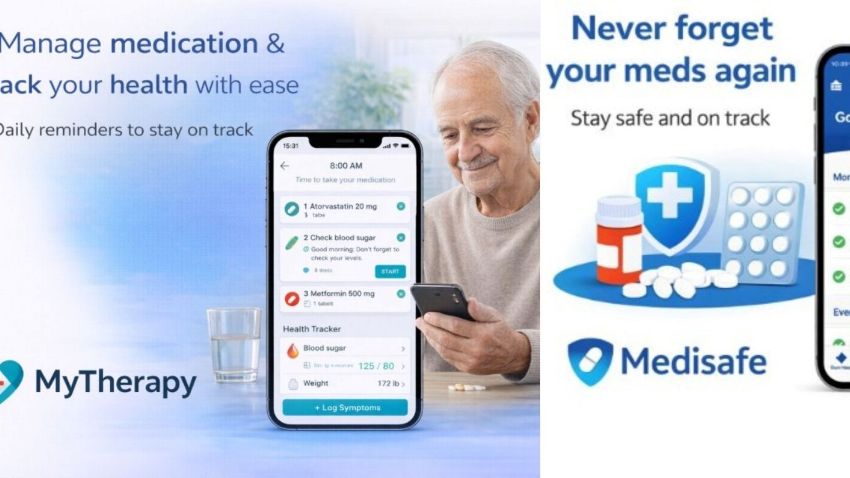
Smartphone applications are increasingly valuable in helping older adults with daily activities. They range from medication reminders and vision support to safety notifications and caregiver coordination, helping seniors maintain independence and giving caregivers added reassurance.
This guide covers the 10 top apps for seniors and caregivers looking for straightforward, useful technology, as well as for family members or caregivers who support them.
We selected each app for ease of use, practicality, and real-world performance, avoiding trends and hype.
Each of the 10 unique assistive apps discussed in this article serves a specific purpose, helping seniors and caregivers find dependable tools that address real concerns, improve safety, and make everyday tasks easier.
How We Selected These Apps?
We used transparent, expert-backed criteria rather than arbitrarily selecting popular apps to ensure this list is reliable and genuinely helpful.
To effectively assess mobile health and assistive apps, one must go beyond star ratings and consider quality factors supported by research and clinical evidence.
Here’s what we considered:
- Usability for older adults – Apps must be easy to learn, navigate, and use, especially given age-related changes in vision, cognition, and motor skills. Research from the U.S. National Library of Medicine indicates that usability factors, such as learnability, readability, and simplicity, are essential for older adults using mobile health apps.
- Purpose and real benefit – Each app must serve a distinct purpose that supports everyday life, health, safety, or caregiving tasks, not just general productivity.
- Reliability and Functionality – The app should work consistently with few errors or crashes. Trusted evaluations of mobile health apps group reliability, usability, security, and user value as core assessment categories.
- Privacy and Security Awareness – Not every app needs clinical certification, but those handling personal or health information should maintain strong data protection and transparent privacy practices, given known privacy concerns in health-related apps.
- Accessibility – Features like adjustable font sizes, clear icons, voice support, and simplified interfaces help make apps more accessible to older adults and those with sensory or mobility limitations.
We integrated these criteria with real user feedback, expert recommendations, and established best practices to select the 10 apps highlighted in this guide.
Medisafe – Medication Reminder App.
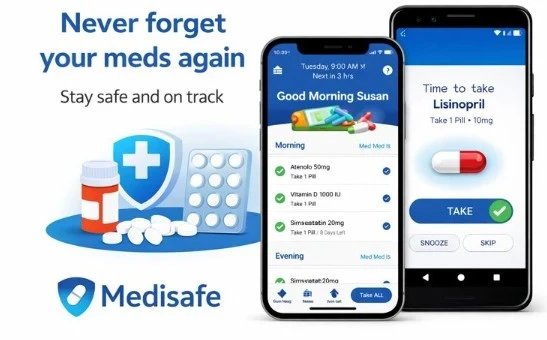
Medisafe provides clear, dependable reminders to help seniors take the right medications at the right times. It aims to minimize missed doses, prevent double dosing, and reduce the confusion often associated with managing multiple prescriptions.
Key features for seniors.
- Simple pill reminders with sound and visual alerts.
- Clear medication schedules (morning, noon, evening).
- Large text and easy-to-read layout.
- Refill reminders to avoid running out of medication.
Benefits for caregivers.
- Optional caregiver alerts when a dose is missed.
- Shared medication tracking for peace of mind.
- Helpful for managing meds remotely without daily check-ins.
Pros and Cons.
Pros.
- Very easy to set up.
- Free core features.
- Strong reputation and long-term reliability.
- A clean, uncluttered interface well-suited for older adults.
Cons.
- Some advanced features require a paid version.
- Requires basic smartphone familiarity.
Pricing.
- Free version available.
- Optional premium plan.
Ideal for: Seniors taking daily medications and caregivers seeking reassurance without constant supervision.
Seniors looking for extra safety beyond medication reminders can also check out the review of the Emergency Assistance Plus, which highlights its main features, costs, and advantages.
Magnifying Glass + Flashlight App.
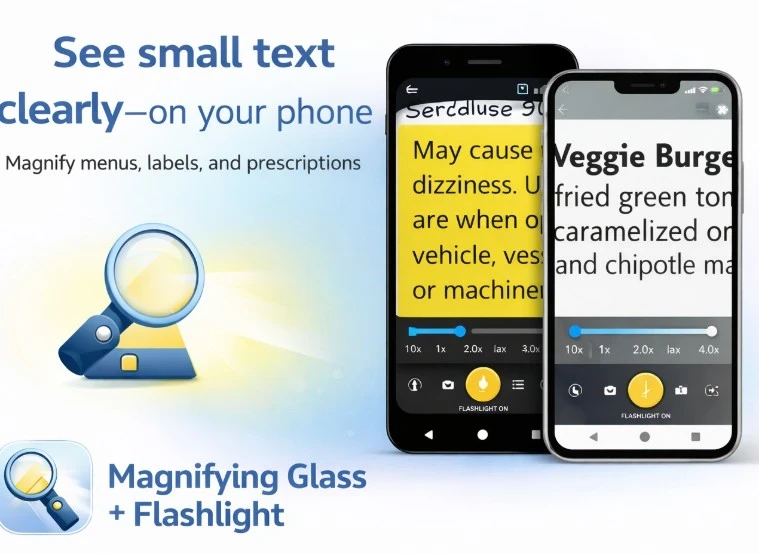
The Magnifying Glass + Flashlight turns a smartphone into a basic visual aid, helping seniors read small print on labels, menus, mail, and prescription bottles. It is especially useful for age-related vision changes, such as presbyopia or reduced contrast sensitivity.
Key features for seniors.
- Adjustable magnification levels.
- Built-in flashlight for better lighting.
- High-contrast display options.
- One-tap zoom with minimal setup.
Benefits for caregivers.
- Helps seniors remain independent when reading.
- Reduces the need for constant assistance with daily tasks.
- Useful during doctor visits or medication checks.
Pros and Cons.
Pros.
- Extremely easy to use.
- No account or setup required.
- Works offline.
- Large buttons, simple controls, and immediate results.
Cons.
- Uses phone camera (quality depends on device).
- Lacks advanced OCR or text-to-speech.
Pricing.
- Free version available.
- Optional ads or small in-app purchases (varies by version).
Ideal for: Seniors with mild to moderate vision difficulties who want a fast, no-learning-curve solution.
For those who wear glasses, keeping lenses clear is just as important as screen magnification. This guide to the best glasses cleaner for eyeglasses explains which options work best without damaging delicate coatings.
Be My Eyes – Live Visual Assistance App.
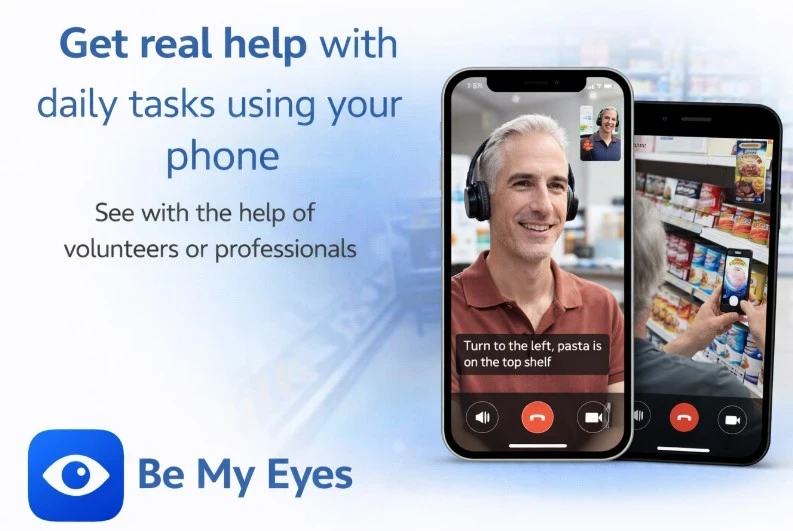
Be My Eyes connects seniors with vision difficulties with real people via live video calls. A trained volunteer or professional helper can assist with everyday visual tasks such as reading labels, identifying objects, or navigating unfamiliar environments.
Key features for seniors.
- One-tap video assistance.
- Large, simple interface.
- Support for reading text, identifying colors, and recognizing objects.
- Available in many languages.
Benefits for caregivers.
- Reduces reliance on family members for small visual tasks.
- Encourages independence while maintaining safety.
- Helpful when caregivers are not immediately available.
Pros and Cons.
Pros.
- Completely free for volunteer assistance.
- Very easy to use.
- Global availability and fast response times.
Cons.
- Requires an internet connection.
- Not intended for emergency situations.
Pricing.
- Free (optional paid professional services available in some regions)
Best for: Seniors with low vision or blindness who want quick, human assistance for everyday visual challenges.
CareZone – Care Coordination App.
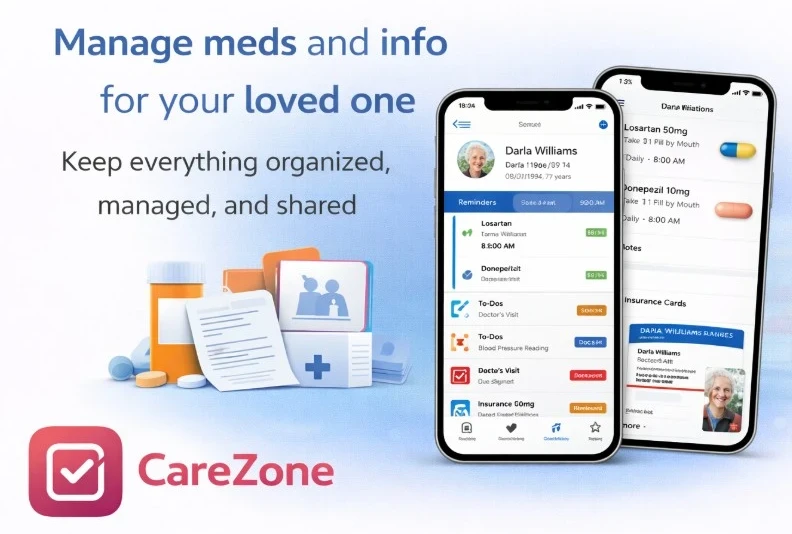
CareZone helps caregivers manage medications, appointments, documents, and daily tasks for seniors in one place. It simplifies caregiving by organizing and providing easy access to essential health information.
Key features for seniors.
- Medication lists with photos and instructions.
- Simple reminders for meds and appointments.
- Secure storage for insurance cards and medical notes.
- Easy sharing with trusted family members.
Benefits for caregivers.
- Centralized care management (no scattered notes).
- Shared access for multiple caregivers.
- Reduces errors and missed medications.
- Helpful during doctor visits or emergencies.
Pros and Cons.
Pros.
- Strong caregiver-focused design.
- Easy to collaborate with family members.
- Free core features.
Cons.
- The interface may feel slightly busy for some seniors.
- Requires initial setup time.
Pricing.
- Free version available.
- Optional premium features.
Ideal for: Family caregivers managing medications, appointments, and health information for one or more seniors.
This guide to the 4 best back massagers for pain relief can also be helpful for those dealing with chronic discomfort alongside daily care needs.
FallSafety Home App.
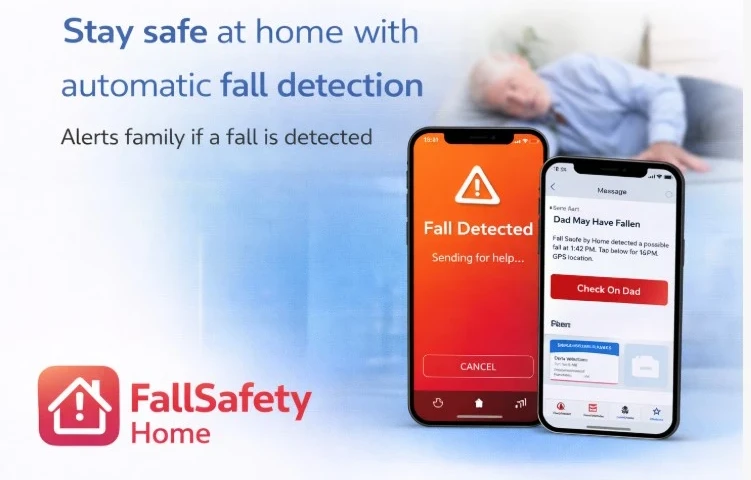
The FallSafety Home app focuses on one of the biggest risks to older adults, falls, while supporting independent living.
Key features for seniors.
- Automatic fall detection using motion sensors.
- Emergency alerts sent to trusted contacts.
- Simple setup with minimal interaction required.
- Background monitoring without constant app use.
Benefits for caregivers.
- Immediate notifications when a fall is detected.
- Reassurance when seniors live alone.
- Helps caregivers respond quickly to emergencies.
Pros and Cons.
Pros.
- Focused specifically on fall safety.
- Runs quietly in the background.
- Supports independent living.
Cons.
- Requires a compatible device and sensors.
- May trigger false alerts in rare cases.
Pricing.
- Free basic version.
- Optional paid features depending on setup.
Ideal for: Seniors at risk of falls who want added safety without wearing a device.
Older adults interested in safety features such as fall detection and emergency SOS should consider Apple Watches available through Visible by Verizon.
Otter.ai Support App.
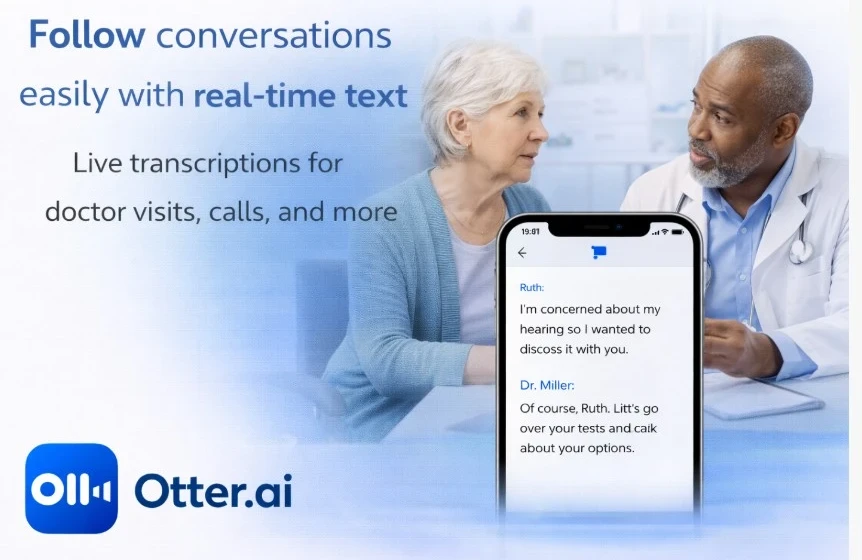
Otter.ai converts spoken conversations into real-time text, helping seniors follow discussions more easily during appointments, meetings, phone calls, or family conversations.
Key features for seniors.
- Live speech-to-text transcription.
- Clear, readable text display.
- Speaker identification for conversations.
- Ability to save and review transcripts later.
Benefits for caregivers.
- Helps capture important medical instructions accurately.
- Reduces misunderstandings during doctor visits.
- Useful for sharing written notes with family members.
Pros and Cons.
Pros.
- Very accurate transcription.
- Works well in medical and everyday settings.
- Free plan available.
Cons.
- Requires an internet connection.
- Accuracy may drop in noisy environments.
Pricing.
- Free basic plan.
- Paid plans for extended recording and features.
Best for: Seniors with hearing difficulties who want clearer conversations and caregivers who need reliable conversation records.
Google Maps Mobility and Navigation App.
The Google Maps app helps seniors navigate safely and confidently, whether walking, driving, or using public transportation. It is especially useful for older adults who need clearer directions, step-free routes, or simpler navigation.
Key features for seniors.
- Step-free and wheelchair-accessible routes.
- Clear voice navigation with adjustable volume.
- Larger map text and high-contrast visuals.
- Real-time public transport updates (elevators, delays).
Benefits for caregivers.
- Helps seniors travel independently.
- Reduces anxiety when going to appointments.
- Useful for sharing locations or planning safe routes together.
Pros and Cons.
Pros.
- Free and widely available.
- Very reliable and frequently updated.
- Works worldwide.
Cons.
- Many features can feel overwhelming at first.
- Requires internet or pre-downloaded maps.
Pricing.
- The basic navigation is easy, but accessibility settings may require initial setup.
- Free of use.
Best for: Seniors who are still active and want safe, accessible navigation for walking, driving, or public transport.
Lumosity – Brain Training and Memory App.
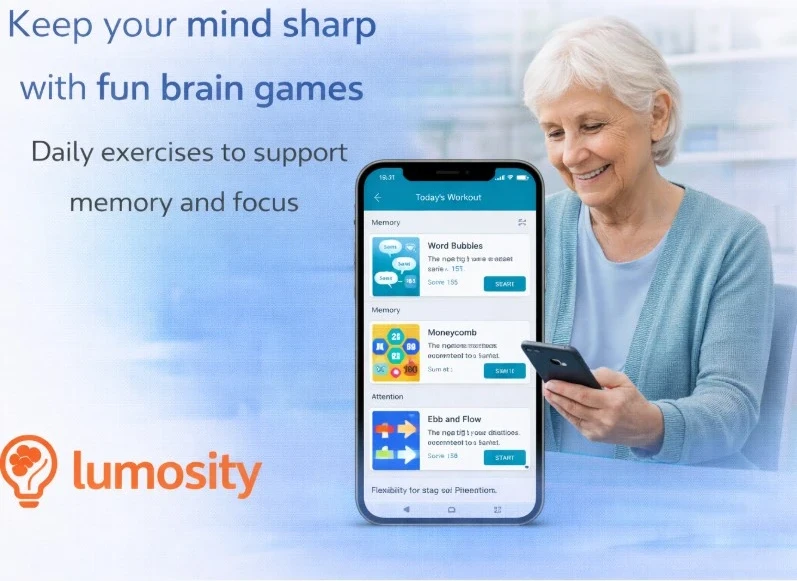
The Lumosity app offers brief, science-backed games that enhance memory, focus, and problem-solving skills, helping older adults maintain mental agility through daily exercises.
Key features for seniors.
- Short, easy-to-understand brain games.
- Personalized training programs.
- Clear instructions with visual guidance.
- Progress tracking over time.
Benefits for caregivers.
- Encourages mental engagement and routine.
- Helps caregivers monitor cognitive activity trends.
- Can be used independently by most seniors.
Pros and Cons.
Pros.
- Well-known and research-driven platform.
- Simple, game-like experience.
- Flexible daily use (5–10 minutes).
Cons.
- Not a medical treatment for cognitive decline.
- Full access requires a subscription.
Pricing.
- Limited free access.
- Paid subscription for full training programs.
Ideal for: Seniors who want light, daily brain stimulation to support memory and focus.
The top six Bluetooth projectors for seniors with simple streaming are also useful for those who like to keep their minds engaged with movies, documentaries, or brain-boosting content.
MyTherapy Medication and Health Tracking App.
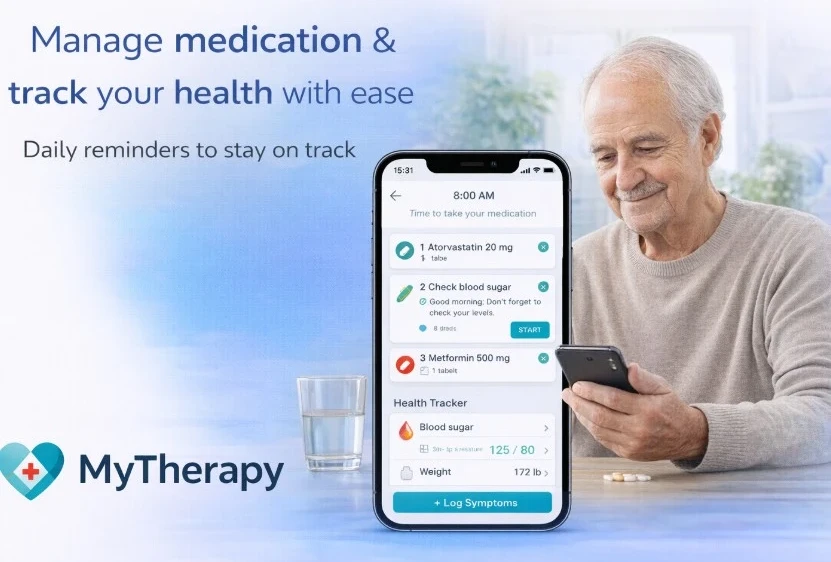
The MyTherapy app helps seniors manage medications and track symptoms, vital signs, and health routines. It integrates reminders with straightforward health logging, promoting consistency and keeping users informed.
Key features for seniors.
- Medication reminders with clear instructions.
- Symptom and mood tracking.
- Support for tracking vitals (blood pressure, weight, glucose).
- Simple daily check-in interface.
Benefits for caregivers.
- Shared health reports for doctor visits.
- Better insight into adherence and symptom patterns.
- Reduces guesswork when managing chronic conditions.
Pros and Cons.
Pros.
- Combines medication and health tracking in one app.
- Clean, senior-friendly design.
- Straightforward once set up.
- Free to use.
Cons.
- Requires regular input to be effective.
- Some unnecessary features for very simple needs.
Pricing.
- Free.
- Ideal for seniors managing chronic conditions who want both medication reminders and basic health tracking in one place.
GrandPad Companion App.
The GrandPad Companion App operates with the GrandPad tablet, enabling seniors to stay connected with family and allowing caregivers to remotely manage contacts, settings, and updates.
Key features for seniors.
- Large icons and a simple, clutter-free interface.
- Easy video calls, voice calls, photos, and messages.
- No app downloads, pop-ups, or confusing menus.
- Designed to work only with trusted contacts.
Benefits for caregivers.
- Remote management of contacts and settings.
- Ability to add photos, events, and reminders.
- Seniors won’t be exposed to scams or spam.
Pros and Cons.
Pros.
- Extremely senior-friendly design.
- Strong focus on safety and simplicity.
- Reduces digital frustration and isolation.
Cons.
- Requires the GrandPad device and subscription.
- Not as flexible as a standard tablet.
Pricing.
- A monthly subscription includes device, data, and support.
Ideal for: Seniors who want simple communication without dealing with smartphones, and caregivers who want full control and safety.
The National Council on Aging emphasizes that staying socially active can help to improve mood, reduce fall risk, and support overall health in older adults.
Final Thoughts: Choosing the Right App for Seniors and Caregivers.
Choosing the right app can improve older adults’ daily safety, ease of use, and connectivity, giving caregivers greater confidence and peace of mind.
Whether it’s medication reminders, fall detection, vision assistance, or social engagement, each app in this guide serves a specific purpose, helping you choose the one that best suits your needs.
Seniors benefit most when technology reduces friction rather than adds complexity, and caregivers can use these tools to stay informed without being intrusive.
Remaining connected is important not just for convenience but also for maintaining social ties, lowering fall risk, and supporting overall health, as highlighted by the National Council on Aging.